
Active Matter needs Windows 10/11 64-bit, a Core i5-6600 or Ryzen 3 1300X, 8 GB RAM and an SSD. Full minimum and recommended specs plus BattlEye notes.
Active Matter System Requirements: Minimum and Recommended
The minimum bar for Active Matter is Windows 10/11 64-bit, a Core i5-6600 or Ryzen 3 1300X, 8 GB of RAM, a GTX 1050 Ti / RX 470 / ARC A580, 45 GB of storage and an SSD. Two of those are absolute rather than aspirational: a 64-bit processor and operating system are required, and the SSD requirement is listed under both minimum and recommended with no exceptions offered.
Windows minimum and recommended
| Component | Minimum | Recommended |
|---|---|---|
| Processor | Core i5-6600 / Ryzen 3 1300X | Core i5-8700 / Ryzen 5 3600 |
| Memory | 8 GB RAM | 16 GB RAM |
| Graphics | GTX 1050 Ti / RX 470 / ARC A580 | RTX 2060 / RX 5700 XT / ARC A770 |
| OS | Windows 10/11 (64-bit) | Windows 10/11 (64-bit) |
| Storage | 45 GB available space | 45 GB available space |
| Network | Broadband Internet connection | Broadband Internet connection |
| Extra notes | SSD required, 64-bit processor and OS required | SSD required, 64-bit processor and OS required |
Official source: Active Matter on Steam - the store page system requirements panel, checked September 29, 2026.
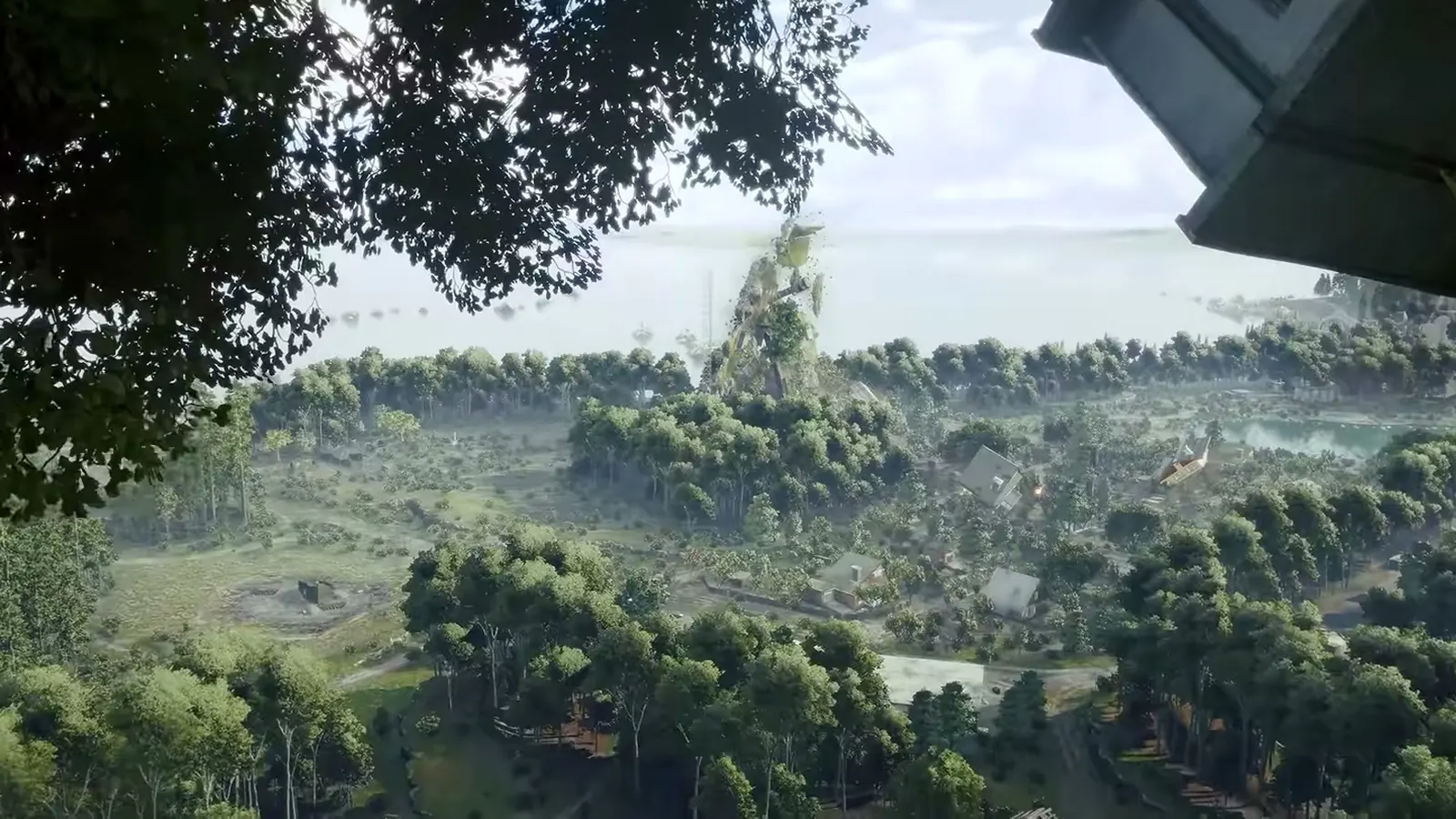
The minimum spec is genuinely old hardware. A GTX 1050 Ti and an i5-6600 are both 2015 parts, which tells you the developers budgeted for a wide floor. In practice, on minimum hardware you should expect minimum results. The gap between the two tiers is more than a resolution setting: 8 GB to 16 GB of RAM matters in a game with large inventories and streaming zones, and GTX 1050 Ti to RTX 2060 is the difference between playable and comfortable in the distortion-heavy anomaly zones.
Linux, SteamOS and Steam Deck
Steam lists SteamOS and Linux as supported platforms with their own requirement block:
| Component | Linux minimum | Linux recommended |
|---|---|---|
| OS | Most modern 64-bit Linux distributions | Ubuntu 26.04 64-bit |
| Processor | Core i5-6600 / Ryzen 3 1300X | Core i5-8700 / Ryzen 5 3600 |
| Memory | 8 GB RAM | 16 GB RAM |
| Graphics | GTX 1050 Ti / RX 470 / ARC A580 | RTX 2060 / RX 5700 XT / ARC A770 |
| Storage | 45 GB available space | 45 GB available space |
The official FAQ says the game has native Linux support and works on Steam Deck. There is a caveat worth reading twice, because the two official sources are not saying quite the same thing. In the September 7 Q&A, when asked when a native Linux launcher was coming, the answer was that it runs on Steam Deck and on Linux if using BattlEye, and that once the team is confident everything is solid on the other platforms, they will return to it. So: it runs on Linux and Steam Deck today, and the dedicated launcher was still pending as of that Q&A.
BattlEye and the anti-cheat
The Steam store page lists three things that matter on older machines:
- Uses Kernel Level Anti-Cheat.
- BattlEye - Requires manual removal after game uninstall.
- Requires agreement to a 3rd-party EULA (the Active Matter EULA).
Kernel-level anti-cheat is the piece that causes support tickets. It installs a driver, and on some systems the residue survives an uninstall until you remove the BattlEye driver manually. If Active Matter will not launch after an uninstall or a driver update, that manual removal is the first thing to try, and the not-launching crash fix page covers the sequence.
The 3rd-party EULA is also a genuine install-time gate. You have to agree to a separate agreement to play, which some automated installs and some managed corporate machines will not handle cleanly.
The developers have not endorsed post-process shader tools. Asked directly about ReShade in the September 7 Q&A, they said it "is possible that they may be interpreted by the anti-cheat as attempts to interfere with the game." Treat that as a no until the developers say otherwise.
Where third-party spec sites disagree
System Requirements Lab's Active Matter page, one of the aggregator sites players check, publishes a table that matches the Steam minimum exactly but changes the recommended CPU to Core i7-8700 instead of the Core i5-8700 that Steam lists. It also adds two fields Steam does not publish: Shader Model Version 6.0 and dedicated video memory of 4 GB minimum and 6 GB recommended.
Neither of those additions is wrong on its face. Both are simply not official. When a spec sheet and a storefront disagree, the storefront is what your launcher will enforce, so check the Steam page first and treat the aggregator as a second opinion.
The Steam page lists one graphics card per tier from three vendors, which is unusual but deliberate: NVIDIA, AMD and Intel Arc all get a named part. An Intel Arc A580 clears the minimum bar.
Console requirements, briefly
Console-side specs are not published the way PC specs are. The Xbox store page lists the game as Optimized for Xbox Series X|S with 4K Ultra HD, HDR10 and 60 fps+, and confirms Xbox cloud saves and Play Anywhere. If you are buying on console rather than PC, the compatibility question is which console generation, and this is a current-gen title: PS5 and Xbox Series X|S, not the previous generation.
Reading the list without fooling yourself
A few things about this spec sheet are worth pausing on:
- A 2015 CPU is a real floor, not a typo. The Core i5-6600 and Ryzen 3 1300X are both six-core parts from 2015. If your machine is meaningfully older, this is not the game for it.
- The Arc A580 is a legitimate minimum card. Intel sits alongside NVIDIA and AMD at the floor rather than being treated as an afterthought.
- The SSD note appears under both tiers. It is not a recommended-tier nicety.
- 45 GB is free space, not drive size. On a small laptop SSD that figure competes with the OS, updates and shader caches, so it decides whether you have room at all.
Nothing on the store page promises a frame rate at minimum spec. Anyone quoting a specific fps figure for a specific card is guessing, and the developers have not published one.
Before you buy, check these four things
- 64-bit everything. A 32-bit Windows install will not run this. That includes the OS and the CPU.
- SSD, not HDD. Listed under both tiers. Budget 45 GB free and keep it free.
- Broadband, not dial. The network requirement is a broadband connection on both tiers, which in practice means a wired or stable Wi-Fi link for a game with persistent raids.
- BattlEye residue. If you have had kernel-level anti-cheat games installed before, know how to remove the driver before you need it.
FAQ
Can my PC run Active Matter?
If you have a 64-bit Windows 10 or 11 machine with a Core i5-6600 or Ryzen 3 1300X, 8 GB of RAM, a GTX 1050 Ti or newer listed equivalent, an SSD and 45 GB free, then yes, the store page says so.
Does Active Matter need an SSD?
Yes. The store page lists SSD required in the additional notes for both minimum and recommended.
Does it run on Steam Deck?
Yes, according to the official FAQ.
Is there native Linux support?
The game runs on Linux and Steam Deck. The official FAQ says native Linux support exists; the September 7 Q&A says it runs on Linux through BattlEye and that a dedicated launcher is still to come. Both statements can be true at once, depending on what you mean by native launcher.
Why will the game not launch on my PC?
Check the anti-cheat first. It uses BattlEye at kernel level and requires manual removal after uninstall, and the game also requires agreement to a separate third-party EULA at install time.
Are the system requirements different for the 8 GB version?
No, there is only one requirements table. The 8 GB versus 16 GB difference is between the minimum and recommended tiers, not between editions.
Related Guides
- Active Matter editions and price - what to buy once your machine passes the check.
- Active Matter first raid guide - what to do after the first install.
- Active Matter not launching or crashing - BattlEye and install fixes.
- Active Matter guide hub - the day-one overview.
More Active Matter Guides
How an Active Matter raid runs: take a contract, harvest Active Matter, then extract before the zone collapses and takes your gear with it.
Your first Active Matter raid in one page: what to bring, why to start in PvE, how looting and the Replicator work, and the mistakes that cost gear.
How Active Matter loadouts work: the starter weapon kit, backpack and pouch volumes, armour plates, and how Replicator and Refiner queues cost you time.
Every Active Matter raid zone on Dalniy Island - Scrapyard, Downtown, Cargo Port and Military Base - with variants, rotation rules and patch changes.
How Active Matter progression works past the first raid - the Monolith access ladder, Merits, the Harmonization Cycle reset and exactly what survives a wipe.
Active Matter stuck on a black screen, crashing with FATAL ERROR, or not launching at all. Ordered fixes from verifying files to reporting the bug to Gaijin.
Every Active Matter patch note from full launch to September 29, 2026 - 0.4.0.115 through 0.4.0.156, with dates and the older advice each one breaks.
Active Matter peaked at 9,626 concurrent Steam players on Sep 27, 2026. Live count, launch-week average and what the base means for matchmaking.